Ergonomics may sound like a workplace buzzword or something only office workers need to worry about, but in practice it is about how your body meets the world around you—whether you are sitting at a desk, scrolling on the couch, cooking dinner, or driving. The common problem is not a lack of good intentions. Most people know they should adjust their chair or take a movement break. The challenge is turning that knowledge into a reliable daily habit.
Building a consistent ergonomics routine does not require a complete home or office overhaul. The small, repeatable actions are the ones that prevent the kind of nagging ache that becomes a chronic discomfort. Here are seven expert-backed ways to make ergonomics stick without overthinking it.
1. Pair posture checks with an existing cue
Habits stick best when they are tied to something you already do without thinking. Instead of trying to remember to check your posture every ten minutes, anchor it to a reliable routine. For example, every time you take a sip of water, gently roll your shoulders back and check that your ears are aligned over your shoulders. When you unlock your phone, take a second to reset your wrist position.
Tie ergonomics to hydration. Every glass of water becomes a cue to reset your position.
2. Use the “two-finger rule” for your screen distance
Eyes and neck often bear the brunt of poor ergonomics. A simple measure that takes seconds to check is your screen distance. Sit back in your chair, extend your arm, and see if the tips of your fingers just barely touch the screen. If they do not, scoot the monitor closer or farther. Your head weighs about ten pounds in a neutral position; every inch it leans forward increases the load on your cervical spine. Keeping the screen at arm’s length plus a few inches is a low‑effort guardrail for your neck and eyes.
3. Create a physical “break trigger” in your space
Do not rely on willpower to remember to stand or shift positions. Place something visible in your environment that signals a movement break. A sticky note on the edge of your monitor, a small object on your desk that you must move to the other side for a while, or even a timer that goes off every thirty minutes. The key is that the trigger is physical and in plain sight, not an app that you can ignore.
- Set a timer for 30 minutes (not 60 or 90). Shorter intervals are easier to honor.
- Place a water bottle on the far side of your desk so you have to stand to reach it.
- Use a standing desk converter if available, but even standing up for one minute resets circulation.
4. Vary your positions throughout the day
The most ergonomic position is the next one. Staying in any single posture for too long—even a “perfect” one—stresses the same tissues. Alternate between sitting, standing, and moving. If you work from home, you can take a call while standing at the kitchen counter. At an office, use a footrest, shift your weight, or slide forward slightly for a few minutes. The goal is not a fixed posture; it is frequent micro‑transitions.
5. Adjust your chair to support your hips and lower back
Many people sit on chairs that do not fit them. Before you blame “bad posture,” check the chair’s settings. Sit all the way back and adjust the seat height so your knees are at a 90‑degree angle and your feet rest flat. Place a small lumbar support cushion or rolled towel at the curve of your lower back if the chair lacks support. Your hips should be slightly higher than your knees to keep your pelvis in a neutral position. This simple adjustment alone can reduce lower back fatigue significantly over the course of a day.
6. Keep your “gadget zone” within easy reach
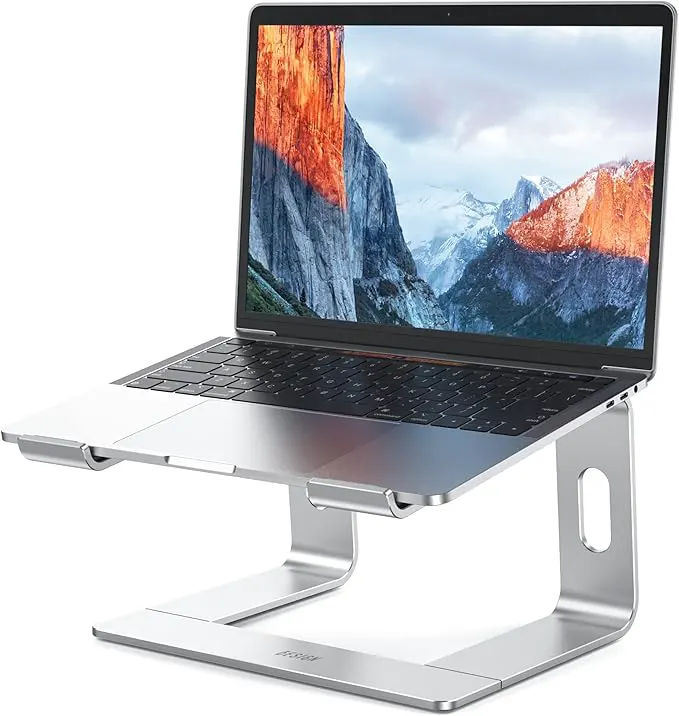
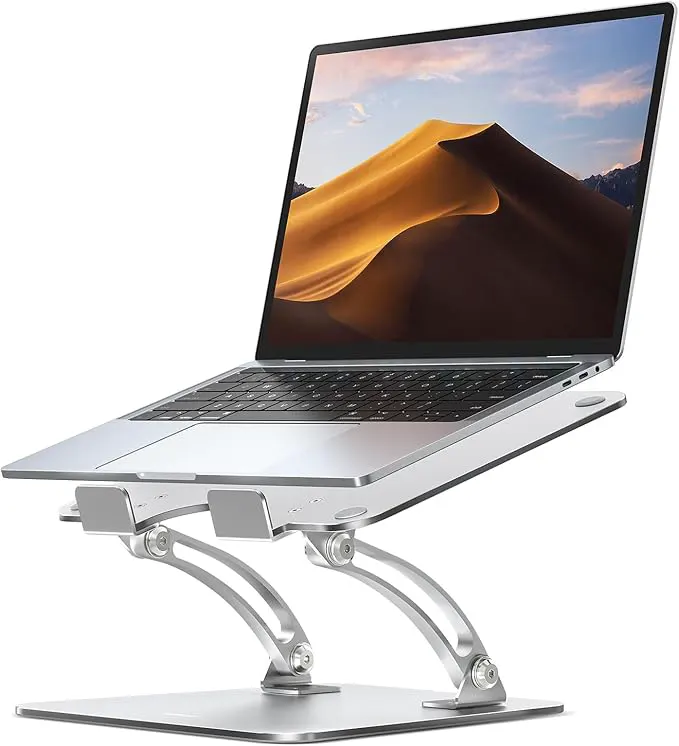
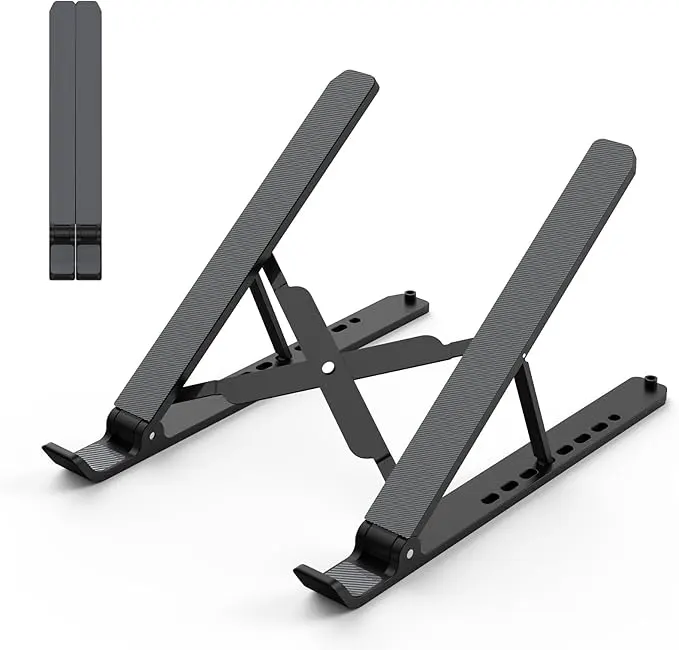
Frequent reaching strains the shoulder and wrist. Arrange your keyboard, mouse, phone, and tablet so that you can use them without bending your wrists up, down, or sideways. The keyboard should be just low enough that your elbows are bent at about 90 degrees and your wrists are straight. If you use a laptop for hours, a separate keyboard and mouse (or a laptop stand) are worth considering—they let you maintain a neutral arm position rather than curling your shoulders inward.
7. End your day with a five‑minute reset
An ergonomic habit does not stop when you log off. Spend a minute before you leave your workstation to reset your chair to its neutral settings. Close your laptop, put your keyboard away, and straighten your desk. This small ritual reinforces the habit loop—it signals the end of a focused work period and helps you start the next session in a clean, body‑friendly setup. Over time, that reset moment cements the entire habit of paying attention to your body’s position.
Consistency in ergonomics is less about doing everything perfectly and more about embedding a few simple, protected routines into your day. Start with one tip that feels easiest and build from there. Your body will thank you long before you notice the habit is automatic.