That mid-afternoon slump—the heavy eyelids, the foggy brain, the urge to crawl under your desk—is often blamed on lunch or a bad night's sleep. But for many people working at a desk, the real culprit is something far more subtle: everyday ergonomic mistakes. Your body's alignment throughout the morning directly dictates your energy reserves by 2 PM. When your workstation forces your muscles to work overtime just to hold you upright, your body burns through its glucose stores faster, leaving you drained before the day is done.
Here are five of the most common ergonomic errors that quietly drain your energy, along with straightforward corrections you can make without buying a single piece of new equipment.
1. Your Screen Is a Chore to Look At
If you find yourself leaning forward or hunching your shoulders to see your monitor clearly, you are forcing your upper back and neck muscles into a sustained contraction. This static muscle tension is incredibly energy-expensive. Over a few hours, it can deplete the glycogen in those muscles, sending fatigue signals straight to your brain.
The fix: Your screen should be an arm's length away, with the top bezel at or just below eye level. You should not tilt your head up or down more than 15 degrees. If you wear bifocals or progressives, lower the monitor by an inch or two so you aren't tipping your chin up to read. A simple stack of books under your monitor works just as well as a pricey arm.
2. You're Sitting Like a Shrimp
Slouching feels relaxing in the moment, but it's a false economy. When your pelvis rolls backward, your lumbar curve flattens, and your rib cage drops down toward your hips. This closes off your diaphragm's range of motion. You can't take full, deep breaths, which means less oxygen circulating to your brain and muscles. Lower oxygen availability means lower energy output.
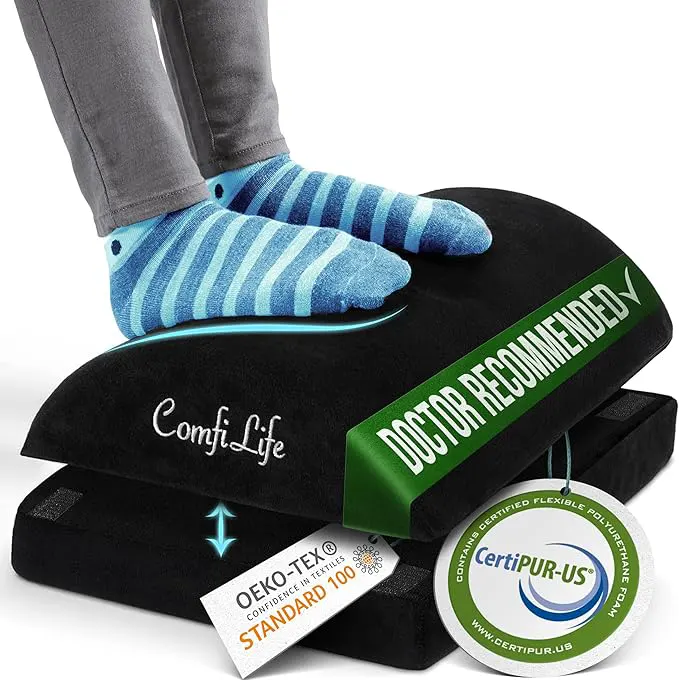
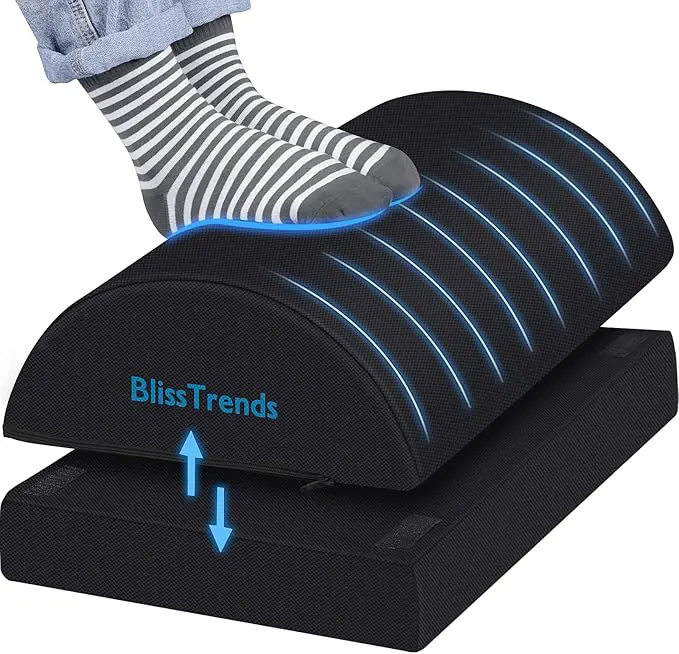
The fix: Scoot your hips all the way to the back of your chair. Roll your shoulders up, back, and down. Imagine a string pulling the crown of your head toward the ceiling. You need a small gap between the front of your chair and the back of your knees. If your feet do not rest flat, use a small footrest (or a thick book). You should feel your ribs expand sideways when you inhale—not just your belly pushing forward.
3. Your Keyboard and Mouse Are in No-Man's Land
When your keyboard is too far forward, you reach for it. That reach turns your shoulders forward and internally rotates your arms. Your trapezius muscles—the ones that run from your neck over your shoulders—have to fire continuously just to keep your arms from dropping into your lap. This is like holding a light dumbbell out to your side for 45 minutes. It is exhausting.
The fix: Your keyboard should be positioned so your elbows are at a 90-degree angle and tucked close to your ribs, not flared out. Your mouse should live right next to the keyboard. You should not have to extend your arm straight out to reach it. If your desk is too deep, pull your keyboard tray closer. Keep your wrists straight, not bent up or down. This small change reduces upper-body muscle fatigue substantially by the afternoon.
A quick check: Place your hands in your lap. Now lift them just an inch to type. That inch of lift uses muscle work. If your armrests or desk height allow your forearms to rest while you type, you save that energy all day long.
4. Your Eyes Are Working Against the Light
Visual strain is a major, overlooked energy thief. When your eyes have to fight glare from a window or overhead lights, your brain diverts resources from focus and memory to eye-control muscles. Squinting alone can cause tension headaches and a mental load that feels exactly like fatigue.
The fix: Position your monitor perpendicular to windows, not facing them. Close the blinds if glare hits your screen. Use a desk lamp with a warm, indirect bulb rather than relying on harsh overhead lights. Most important: follow the 20-20-20 rule—every 20 minutes, look at something 20 feet away for 20 seconds. This gives your ciliary muscles (the tiny muscles that focus your lens) a brief break. They need it.
5. You Are Glued to the Chair
Static posture, even perfect posture, eventually becomes fatiguing because stationary muscles get starved of fresh blood flow. Sitting still for 90 minutes without shifting reduces circulation to your lower body, which can lower blood pressure slightly and make you feel sluggish. Your brain also interprets lack of movement as a signal to downregulate alertness.
The fix: Build micro-movements into your routine. Stand up to read a document. Walk to the bathroom on a different floor. Even small movements—shifting your weight, rolling your ankles, stretching your arms overhead—activate your circulatory pump. Try this: set a timer for 25 minutes. When it goes off, stand up for 90 seconds. Your body will reset its metabolic rate and wake back up.
Putting It All Together for Better Energy
These corrections are not about strict rules or perfect posture. They are about removing silent, unnecessary energy drains. When you fix how your workstation interacts with your body, you stop leaking energy through sustained muscle tension, poor breathing, and visual strain. The result is not just less back pain—it is genuine, noticeable afternoon energy.
Start with one change today. Adjust your screen height. Bring your keyboard closer. Observe how you feel at 3 PM tomorrow. The difference might surprise you more than another cup of coffee ever could.