
Most of us don't realize our desk setup is slowly working against us. You might blame a bad pillow or a stressful week, but the real culprit often sits right in front of you—your workstation. When your neck and shoulders start to ache, it's easy to shrug it off. But those aches are signals, and if you read them right, you can make small changes before pain becomes a permanent fixture.
Here are three telltale signs that your desk setup is straining your neck and shoulders—and what to do about each one.
1. You find yourself leaning forward to see the screen
If you catch yourself tilting your chin up or leaning your whole torso toward the monitor, your screen is too low or too far away. This pushes your head forward of your shoulders, and your neck muscles have to work overtime to keep your skull upright. Over the course of a workday, that adds up to serious tension.
What to check: The top of your monitor should be at or just below eye level. You shouldn't have to tilt your head. If you're using a laptop, you need a separate monitor or a laptop stand. A stack of books works in a pinch.
The quick fix: Raise your screen so your gaze lands naturally on the upper third of the display. Your ears should align with your shoulders when you look straight ahead.
2. Your shoulders are hunched up toward your ears
Sit normally for a moment and notice your shoulders. Are they relaxed, or do they feel like they're trying to become earrings? Chronic shoulder hiking often happens when your desk surface is too high, forcing you to elevate your arms to type or use a mouse. It can also happen when your chair's armrests are in the way or missing entirely.
What to check: With your hands resting on the keyboard, your elbows should be bent at about 90 degrees and your forearms roughly parallel to the floor. If you feel any lift in your shoulders, your desk or keyboard is too high.
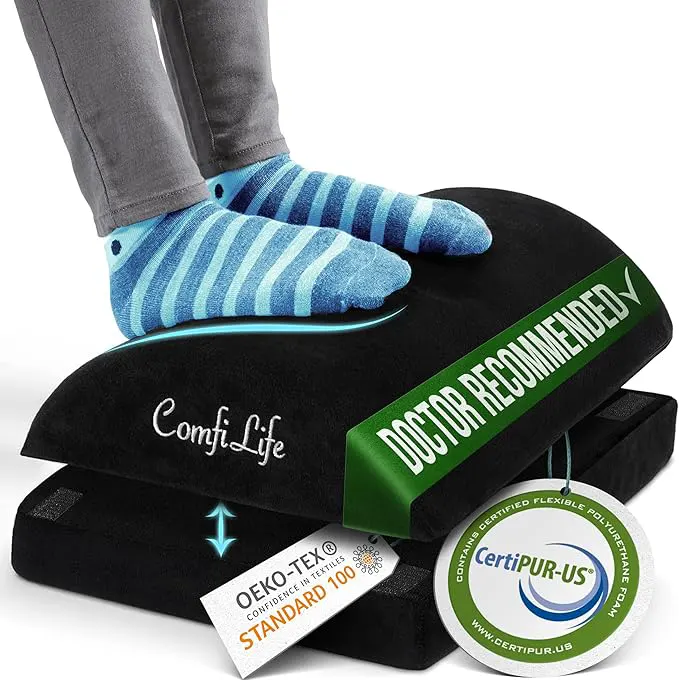
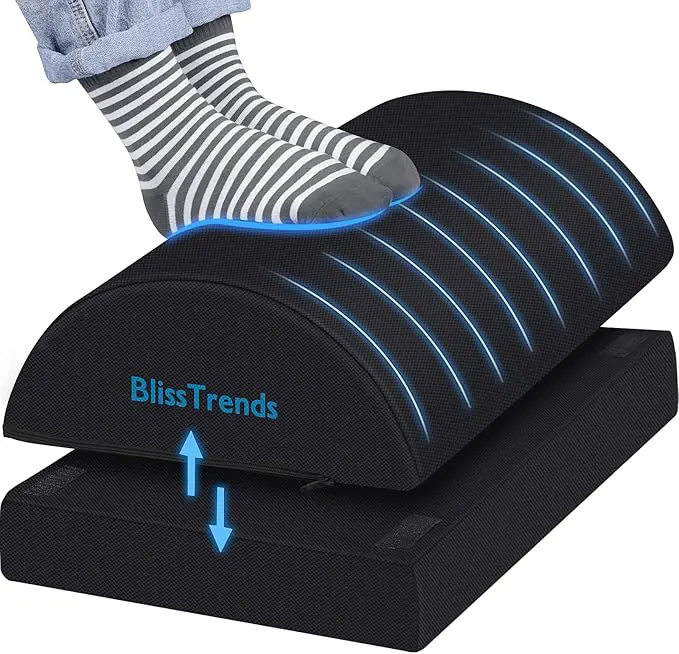
The quick fix: Lower your keyboard tray or desk height. If that's not possible, raise your chair and use a footrest to keep your thighs supported. Let your shoulders drop and pull your shoulder blades back slightly.
3. You get a dull ache in your upper back by mid-afternoon
That nagging pain between your shoulder blades often points to poor spinal alignment while you sit. If your chair doesn't support your lower back, your spine slumps, your rib cage drops, and your shoulders round forward. Your neck then compensates by extending backward, creating a double curve that strains the entire chain from your upper back to your skull.
This is the classic desk slouch, and it's not just about posture—it's about equipment that isn't working with your body.
What to check: Your lower back should feel supported by the chair's lumbar curve. Your hips should be at roughly the same height as your knees or slightly higher. If your seat pan is too long, your knees are pushed forward, which encourages slumping.
The quick fix: Use a lumbar roll or a small cushion behind your lower back. Pull your chair close enough that your elbows stay at your sides while typing. Stand up and stretch your arms overhead every 30 to 45 minutes.
One more thing: your eyes
Eye strain and neck strain often travel together. When you're squinting at a small or dim screen, you lean in without realizing it. That forward head posture pulls on your neck and shoulders. Make sure your screen brightness matches the room light, and consider increasing the font size. You shouldn't have to lean in to read.
What to do next
You don't need expensive gear to fix these issues. Start with one sign at a time. Adjust your screen height today. Check your shoulder position tomorrow. Add a small lumbar support the day after. Small, intentional changes add up, and your neck and shoulders will thank you before the week is out.
If you've made adjustments and the pain persists for more than a couple of weeks, it's worth checking in with a physical therapist or an occupational health specialist. Desk ergonomics can solve a lot, but they're not a substitute for professional care when something more is going on.