Most of us spend hours each day sitting at a desk, often without thinking about how the setup affects our body. Poor posture, craning your neck toward a monitor, or reaching for a mouse that's too far away can create a cycle of muscle tension, fatigue, and distraction. Ergonomists—specialists who study how people interact with their work environment—say that small, intentional adjustments to your desk can make a significant difference in how your body feels and how clearly you think.
The goal isn't to achieve a perfect posture that you hold rigidly all day. It's about creating a workspace that supports natural movement, reduces unnecessary strain, and helps you stay in a comfortable neutral position. Here's how to set up your desk for less tension and better focus.
Start with your chair: your foundation
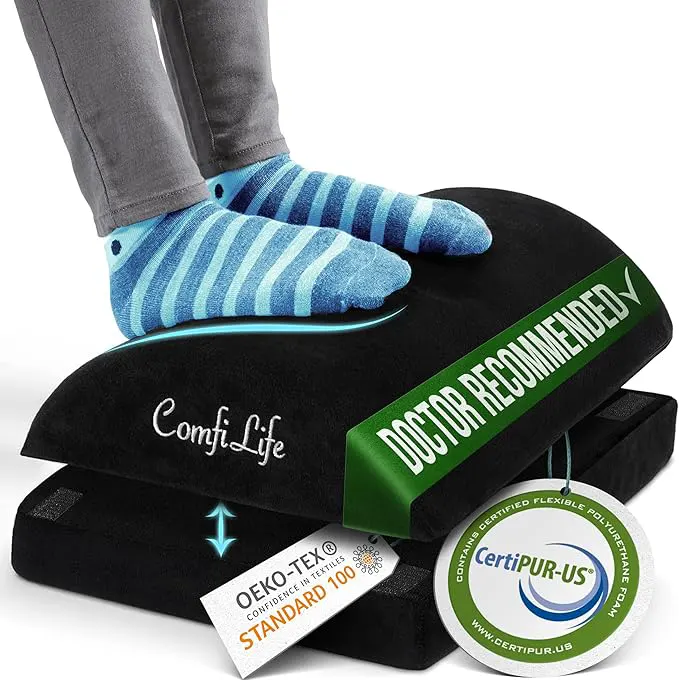
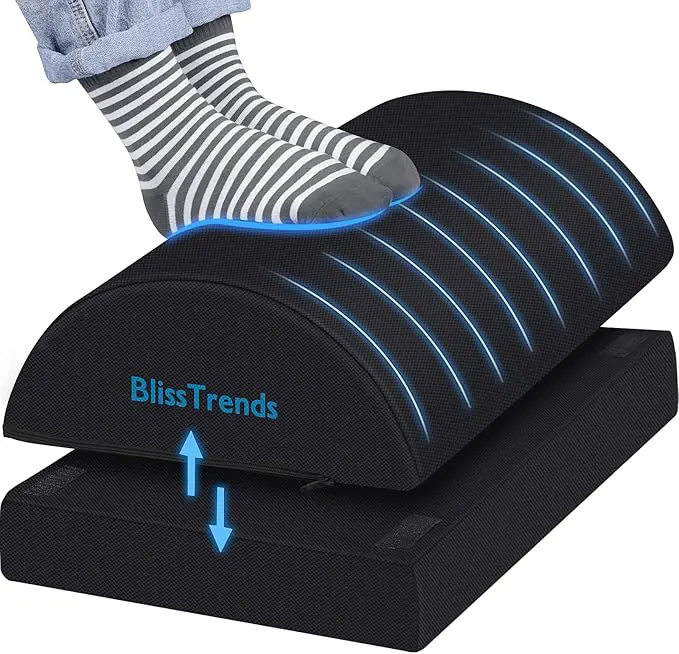
Your chair sets the stage for everything else. When you sit, your feet should rest flat on the floor, with your knees bent at roughly a 90-degree angle. If your feet don't reach the floor, a footrest can help. The seat height should be adjusted so that your thighs are parallel to the ground. Your lower back should feel supported by the chair's lumbar support; if the chair doesn't have one, a small cushion or rolled towel behind your lower back can work well.
Once your hips and back are comfortable, check your armrests. They should be set low enough that your shoulders are relaxed—not shrugged upward—and your elbows are near your body at about a 90-degree angle when you type or use your mouse.
Position your monitor at eye level
One of the most common sources of neck and upper back tension is a monitor that is too low or too far away. Ergonomists recommend that the top of your screen should be at or slightly below eye level. This keeps your head balanced over your spine rather than tilted forward. If you wear bifocals or progressives, you may need to lower the screen slightly so you can see it without tilting your head back.
The monitor should also be about an arm's length away—roughly 20 to 30 inches from your eyes. If the text seems small, increase the font size rather than leaning closer.
A simple check: When you look straight ahead, your gaze should naturally fall on the upper third of the screen.
Bring your keyboard and mouse into close reach
Your keyboard and mouse should be placed so that your elbows stay close to your body and your wrists remain straight—not bent up, down, or sideways. A keyboard tray can help if your desk surface is too high. If you don't have a tray, lowering your chair and raising your footrest may achieve a similar effect.
Your mouse should sit right next to the keyboard, at the same height. Reaching forward or to the side for your mouse can strain your shoulder and forearm over the course of a day. Some ergonomists suggest alternating the mouse hand occasionally or using a trackpad for brief tasks, but consistent positioning is more important than switching devices.
Use a headset or speakerphone for calls
Cradling a phone between your ear and shoulder is a fast track to neck tension. If you take calls regularly, use a headset, earbuds, or the speakerphone function. Keeping your head in a neutral position while you talk lets your neck muscles relax and your focus stay on the conversation, not on the discomfort.
Reduce glare and adjust lighting
Eye strain can cause fatigue and tension that radiates to your neck and shoulders. Position your monitor perpendicular to windows to reduce glare. If overhead lights are harsh, consider a task lamp that illuminates your documents without shining directly into your eyes. Many ergonomists also recommend the 20-20-20 rule: every 20 minutes, look at something 20 feet away for 20 seconds to give your eye muscles a break.
Move throughout the day
Even a perfectly arranged desk can't substitute for movement. Prolonged static sitting reduces blood flow and puts continuous pressure on certain muscles and joints. Aim to stand, stretch, or walk for a minute or two every hour. Simple shoulder rolls, neck rotations, and wrist stretches can relieve tension that builds up during focused work.
If you have a sit-stand desk, use the standing position not as a fixed alternative, but as a way to vary your posture. Start with 15 to 20 minutes of standing per hour, then adjust based on how your body responds.
Small adjustments, real difference
Setting up your desk for less tension isn't about buying expensive gear—it's about alignment. Most common desk items (chairs, monitors, keyboards) can be adjusted to work better for you with a few minutes of attention. The payoff is less physical strain, fewer distractions, and the ability to focus on what matters.
If you already feel discomfort, consider these changes as a starting point rather than a cure. Persistent pain should be evaluated by a healthcare professional. But for many people, a thoughtful desk arrangement is a simple, effective step toward a more comfortable and productive workday.