
You probably don't think about your neck much during the workday. But by four in the afternoon, when that familiar ache settles between your shoulder blades or a dull throb forms at the base of your skull, your posture has already been speaking for hours. The culprit is often hiding in plain sight: your monitor.
Adjusting screen height is one of the most direct physical interventions you can make at a desk — and it costs nothing. But what looks like a small change (raising a screen an inch or two) actually triggers a chain reaction through your entire spine. Here is a practical breakdown of why monitor height matters and exactly how to find your neutral position.
The angle of your neck determines the load on your spine
Every inch your head tilts forward adds significant weight that your neck muscles must support. When you look straight ahead with your ears aligned over your shoulders, your head weighs about 10 to 12 pounds. Tilt your head forward just 15 degrees — roughly the amount needed to look at a screen set too low — and the effective load on your cervical spine nearly doubles. At 30 degrees of forward flexion, that load approaches 40 pounds.
Think of it this way: if you lowered your monitor by just three inches, your neck has to work harder to hold your head up for every minute you are reading or typing. Over an eight-hour day, that adds up to significant muscular strain.
The problem is often gradual. Your eyes naturally search for the center of the screen, and if that center sits below eye level, your head follows. Over weeks, the upper trapezius and levator scapulae muscles stay slightly contracted. That constant low-grade tension is what many people describe as "desk neck" or "tech neck."
The three-point alignment rule
There is a quick physical check that works better than any fancy ergonomic diagram. Sit in your usual working posture, close your eyes, and relax your neck completely. Let your head settle into the position that feels most natural. Now open your eyes.
Your line of sight should land at the top third of your monitor screen — roughly the horizontal line where you would place a bookmark if the screen were a page. This position keeps your cervical spine in a neutral curve, neither flexed forward nor extended backward. Your ears should sit directly above your shoulders when viewed from the side.
How to find that spot without a measuring tape
If your monitor has an adjustable stand, raise or lower it until the top bezel sits at or slightly below your eye level. For laptop users, this almost always means raising the laptop itself — a separate keyboard and mouse become necessary because typing with raised arms causes shoulder strain.
- Desktop monitor: Adjust the stand so the top edge of the screen is roughly level with your eyebrows when sitting upright.
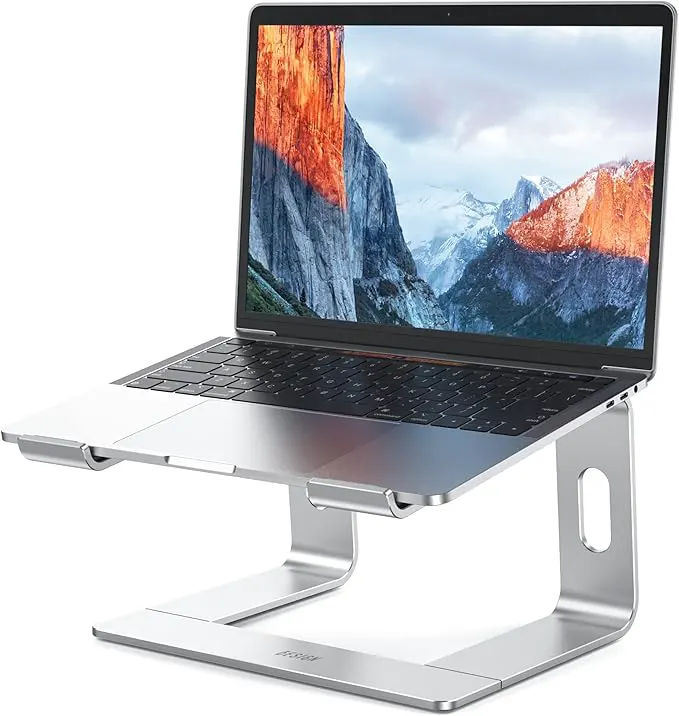
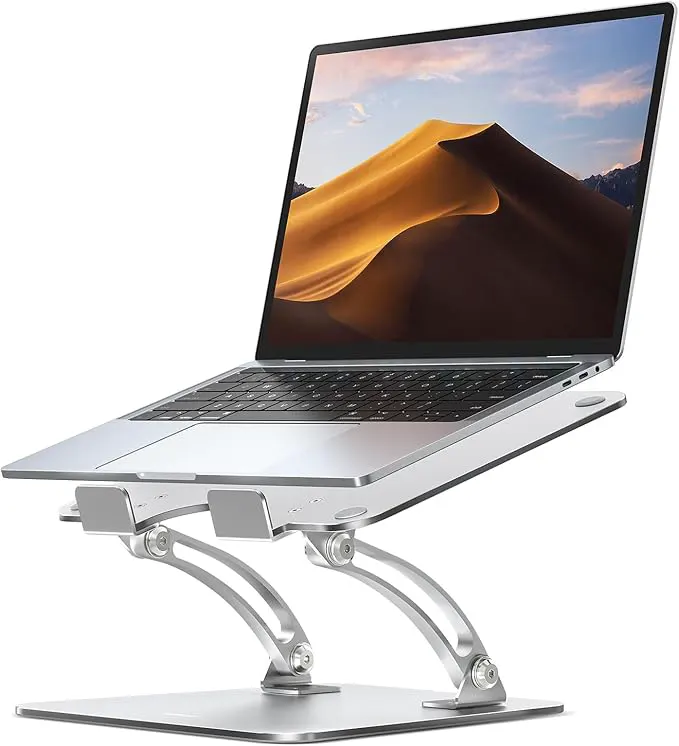
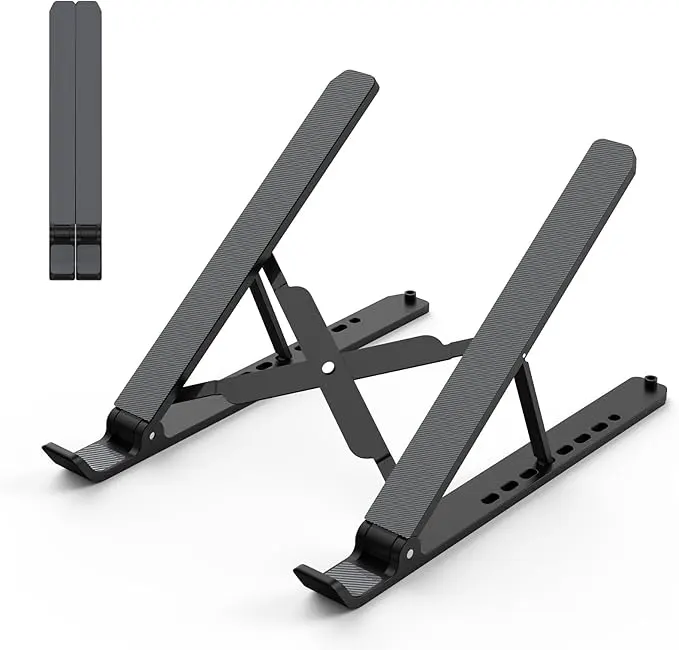
- Laptop: Place the laptop on a riser or stack of books. The screen top should be at eye level. Use an external keyboard and mouse placed at elbow height.
- Dual monitors: Position your primary screen directly in front of you. The secondary screen should sit beside it, angled slightly inward. Both screens should match the same top-edge height.
What happens when you make the adjustment
The immediate effect is usually subtle. You may notice that your jaw relaxes slightly, or that you stop holding your breath during focused work. These are signs that your accessory breathing muscles — often recruited when your neck is strained — are letting go.
Within a few days, consistent monitor height adjustment can reduce referred pain patterns. People with chronic tension headaches often find that raising their screen by two finger-widths radically decreases the frequency of occipital discomfort. Similarly, upper back pain between the shoulder blades frequently resolves when the head no longer pulls forward on the thoracic spine.
The change also affects your wrists and shoulders. When your head sits back over your shoulders, your shoulder blades naturally settle into a more stable position. This makes it easier to keep your elbows close to your torso and your wrists straight while typing — the foundation of neutral upper-body ergonomics.
Common mistakes that undermine the fix
Adjusting monitor height is simple, but people often introduce new problems while solving the old one. The most common error is raising the screen too high. If you find yourself tilting your chin upward or feeling strain in the back of your neck, the monitor is above eye level. Your cervical spine extends (arches backward) in this position, which compresses the facet joints and can cause a different kind of pain.
Another frequent mistake is forgetting to adjust distance. A monitor that is too close forces convergence strain; a monitor too far causes squinting and forward head lean. The standard recommendation is arm's length — sit back in your chair and extend your arm. Your fingertips should just barely touch the screen.
A practical tip: after you set your monitor height, set a timer for 20 minutes. When it goes off, notice if you have drifted back into a forward head posture. Most people need a few days of conscious resetting before the new position becomes automatic.
Small changes, measured benefits
The research consistently shows that simple workstation modifications produce measurable improvements in discomfort scores, but the real-world takeaway is more personal. You are not trying to achieve perfect posture — no one holds a static position all day. The goal is to shift your resting posture closer to neutral so that when you do move, you move from a less strained baseline.
Start with one adjustment today. Raise or lower your screen so the top third is at eye level. Give it three full days before judging the result. Your neck and shoulders have been compensating for weeks or months; they need time to release that habitual tension. What feels unfamiliar at first often becomes your new normal faster than you expect.