
Long workdays in front of a screen can leave your eyes feeling dry, heavy, and tired. You might blame the blue light or the long hours, but sometimes the real culprit is hiding in your daily self-care routine. Small habits you think are harmless—or even helpful—could be quietly increasing the strain on your eyes. Here are six common self-care mistakes that may be making your eye strain worse, and what to do instead.
1. Skipping breaks to stay “in the zone”
When you’re deep in a project, it’s tempting to power through without looking away from the screen. But your eyes aren’t built for sustained close-up focus for hours on end. The ciliary muscles inside your eyes stay contracted the entire time you’re staring at a monitor, which leads to fatigue and spasms. The 20-20-20 rule is a simple fix: every 20 minutes, look at something 20 feet away for 20 seconds. This gives your eye muscles a chance to relax and resets your blink rate, which often drops during intense focus.
2. Using harsh overhead lighting or screen glare
Bright overhead lights, uncovered windows, and glossy screens create glare that forces your eyes to work harder. Your pupils constrict and dilate constantly to adjust, causing strain. The fix is soft, indirect lighting. Position your monitor perpendicular to windows, use a desk lamp with a warm bulb instead of overhead tubes, and consider a matte screen filter. Your eyes will thank you by the end of the day.
3. Ignoring your blinking rate
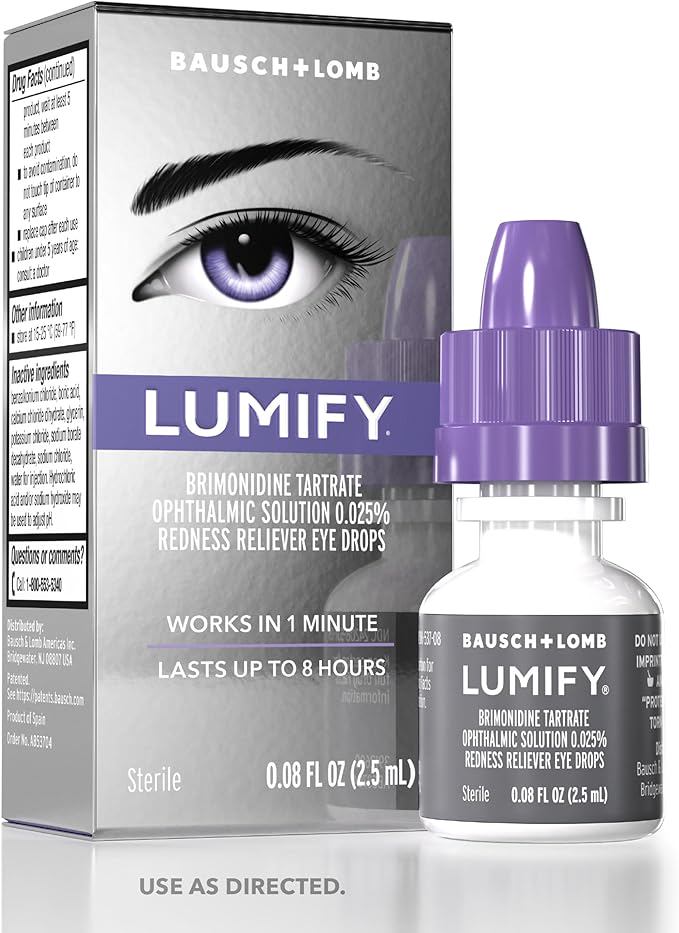
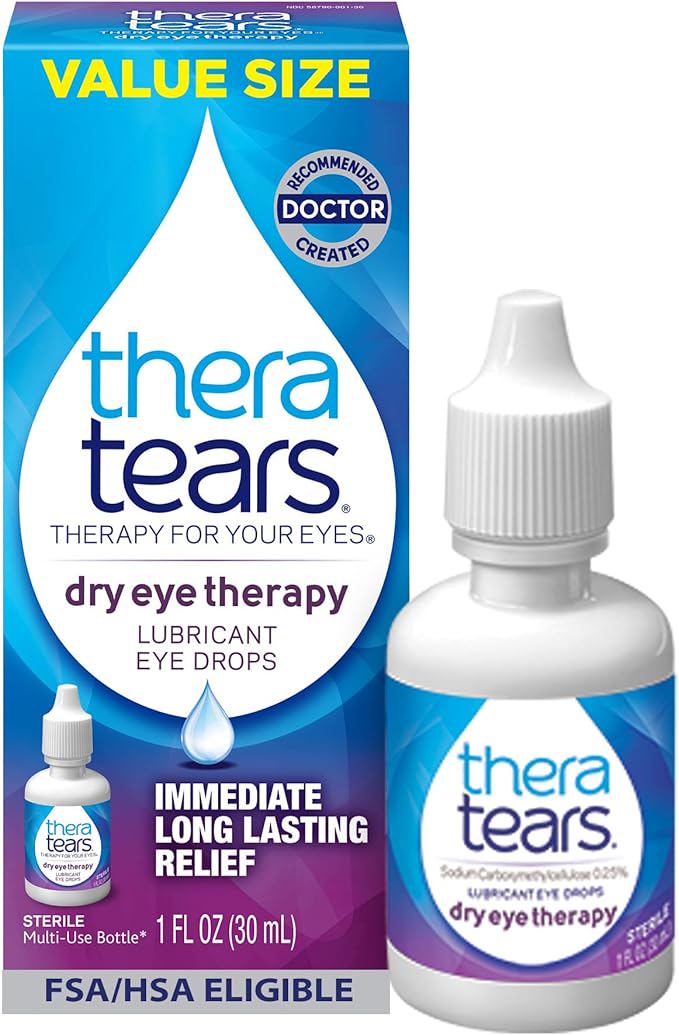
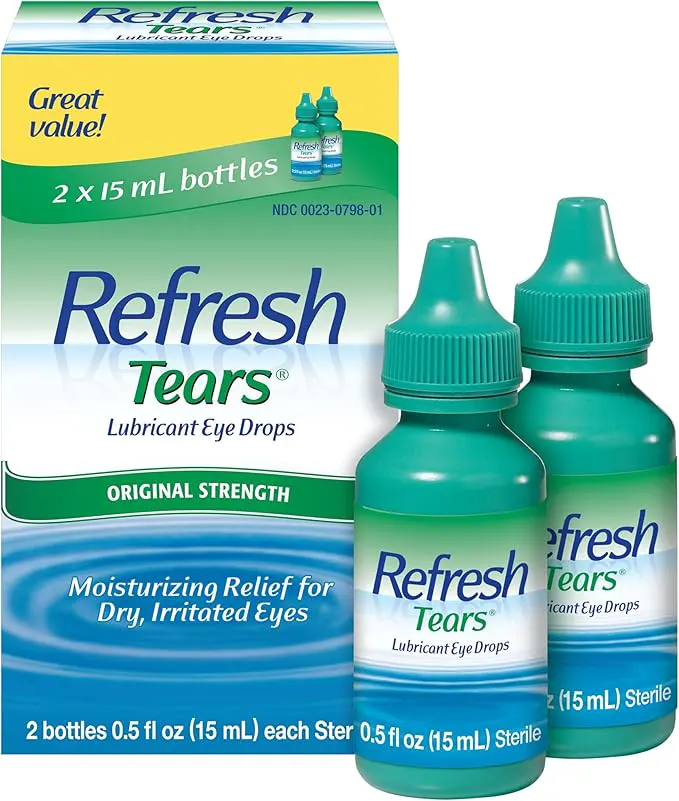
When you’re focused on a screen, you blink about half as often as normal. Blinking spreads a thin layer of tears across your eyes, keeping them lubricated and clear. With fewer blinks, your eyes dry out, which leads to irritation, blurred vision, and a gritty sensation. Make a conscious effort to blink fully and often. If you still feel dry, keep a bottle of preservative-free artificial tears at your desk—not the kind with redness removers, which can cause rebound dryness.
4. Using the wrong screen brightness and contrast
Many people set their screen brightness to maximum so everything looks crisp, or they go too dim to avoid glaring. Either extreme forces your eyes to adapt. The ideal setting is a screen brightness that matches the ambient light in your room. A good test: if your screen looks like a light source, it’s too bright; if it looks gray or dull, it’s too dark. Most devices now have an auto-brightness feature that does this for you. Also, enable night mode or a blue-light filter in the evening—not because blue light is dangerous, but because it reduces contrast strain.
5. Not adjusting your workspace ergonomics
Your screen position matters more than you think. If it’s too high, you look up and your eyes open wider, which accelerates tear evaporation. If it’s too low, you hunch and the viewing angle strains your neck and eyes. The sweet spot: your screen should be about an arm’s length away, with the top of the screen at or just below eye level. You should be looking slightly downward at the center of the screen—about 15 to 20 degrees below eye level. This position minimizes glare and keeps your eyes comfortably closed a bit more.
6. Relying on eye drops that promise to “get the red out”
Redness-relief eye drops contain vasoconstrictors that shrink blood vessels temporarily, making your eyes look whiter for a few hours. But they don’t address the underlying dryness. Overuse can lead to a rebound effect where your eyes become redder and dryer than before. Instead, choose preservative-free lubricating drops or artificial tears. Use them before you start feeling dry—proactively—especially if you work in an air-conditioned or dry office environment.
A note about self-care and eye health: These adjustments are general wellness recommendations. If you experience persistent or worsening eye discomfort, pain, or changes in vision, consult an eye care professional. This article is for educational purposes only and does not replace medical advice.