
Standing at your desk feels proactive, like you are winning the battle against the sedentary lifestyle. But standing incorrectly can create its own set of problems—tight hips, aching lower backs, and new tension across the shoulders. Many people upgrade their workstation but forget to upgrade their stance. Here are six common posture mistakes people make while standing at their desk, along with simple ways to reset your alignment.
1. Locking your knees straight
It seems natural to stand tall with straight legs, but locking your knees puts the joints into a passive position. This hyperextends the knee, shifts your pelvis forward, and forces your lower back to overcompensate. Over time, this leads to joint strain and a swayback position.
The fix: Keep a soft, micro-bend in your knees. This keeps your leg muscles engaged and your pelvis in a neutral position. Think of your legs as active supports, not stiff poles.
2. Shifting all your weight onto one hip
After a few minutes of standing, most people unconsciously drop into a “hip pop” habit—standing with most of their body weight on one leg while the other hip drops. This causes a pelvic tilt that strains the sacroiliac joint and the hip flexor of the weight-bearing side.
The fix: Distribute your weight evenly across both feet. Rock slightly forward and back to find the center of your foot. If you feel your weight drifting, pause and reset. Many find it helps to stand on a cushioned anti-fatigue mat, which reduces the urge to shift into a single-leg stance.
3. Letting your head drift forward
When your monitor is too low or too far away, your chin naturally juts forward to see the screen. This “text neck” during standing puts up to 30 to 40 pounds of extra pressure on your cervical spine. You may not feel it until later, when a headache or upper back knot appears.
The fix: Position your screen so the top line of text sits at or just below eye level. Step close enough that you don’t need to lean forward. Actively tuck your chin slightly—imagine a string pulling the crown of your head toward the ceiling—to bring your ears over your shoulders.
4. Pushing your hips too far forward
Some people try to correct slouching by overcorrecting. They shove their hips forward and tighten through the low back, creating a hyperlordotic curve. This looks like a dramatic arch in the lower spine and often feels “stuck.”
The fix: Find a neutral pelvis. Gently rock your hips forward and backward a few times. Settle in the middle where your sitz bones point straight down and your lower back feels long, not pinched. Engaging your lower abdominals lightly will help stabilize that neutral position.
5. Holding tension in your shoulders and arms
Standing can make people brace their shoulders up toward their ears, especially if the desk surface is too high. This creates a static contraction in the upper trapezius muscles, leading to fatigue, stiffness, and sometimes tension headaches.
The fix: Let your arms hang naturally with a 90-degree bend at the elbows. The desk height should allow your forearms to rest parallel to the floor without lifting your shoulders. Every few minutes, do a quick shoulder roll to release any creeping tension.
6. Standing still for too long
Standing in place for hours is not the goal. The magic of a standing desk is the option to move, not the ability to freeze in a perfect stance. Stagnant standing restricts blood flow and increases muscle fatigue.
Shift your weight, step side to side, or walk away from the desk for a minute every 30 minutes. Movement is the real antidote to poor posture.
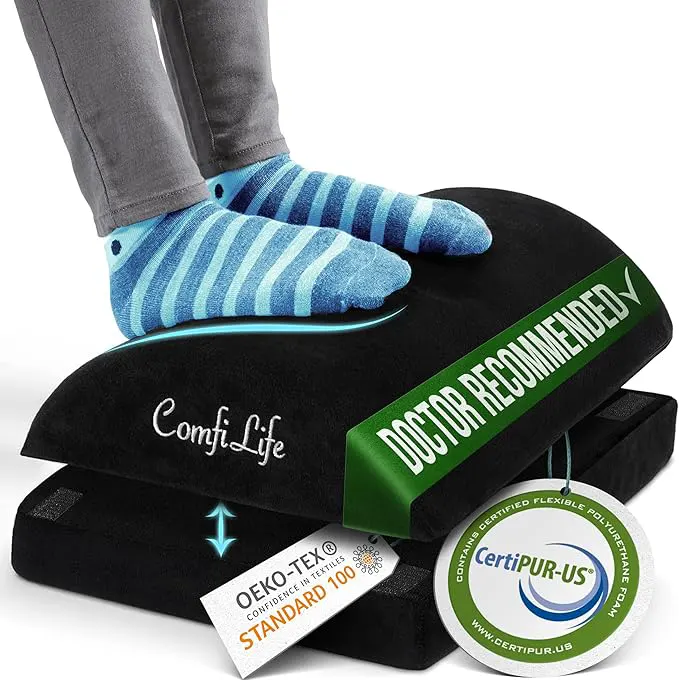
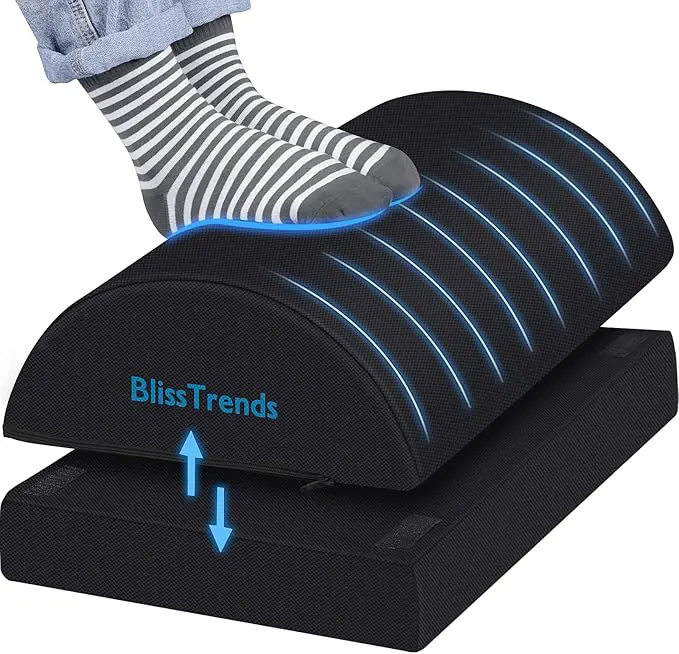
Pay attention to your feet as well. If they start to ache, try a slanted footrest or a small mat. Alternating between sitting, standing, and short walks throughout the day will serve you better than trying to stand perfectly still for eight hours.
Correcting these six standing desk mistakes often comes down to incremental awareness. You do not need to hold a rigid soldier stance. Aim for dynamic, neutral alignment, and listen to your body when it asks for a change of position.