
Sitting at a desk for hours often leaves you with a familiar ache at the base of your spine or between your shoulder blades. Most people assume a better chair is the fix, but your daily setup involves more than just the seat. Small, intentional adjustments—made one at a time—can change how your body feels by the end of the day.
Here are six ergonomic shifts you can make today. They target the way you sit, move, and position your gear. None require a shopping spree. They just require paying attention.
1. Check your seat height and hip angle
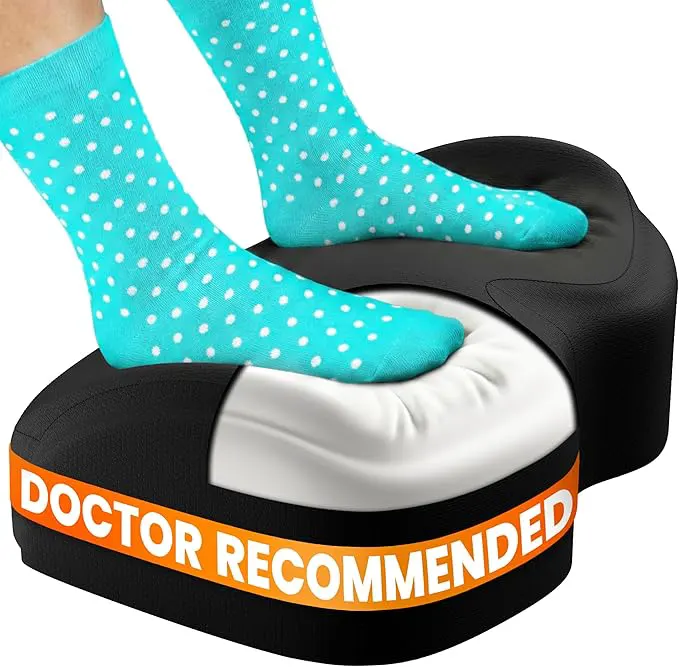
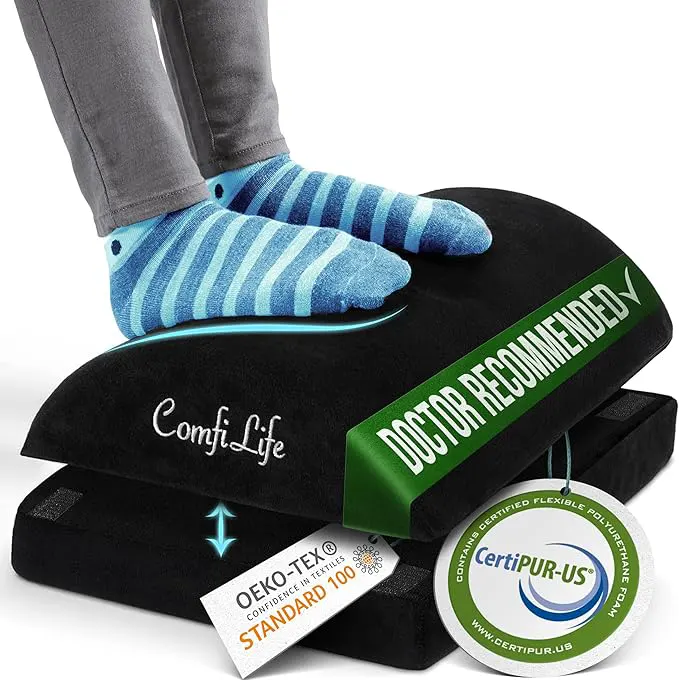
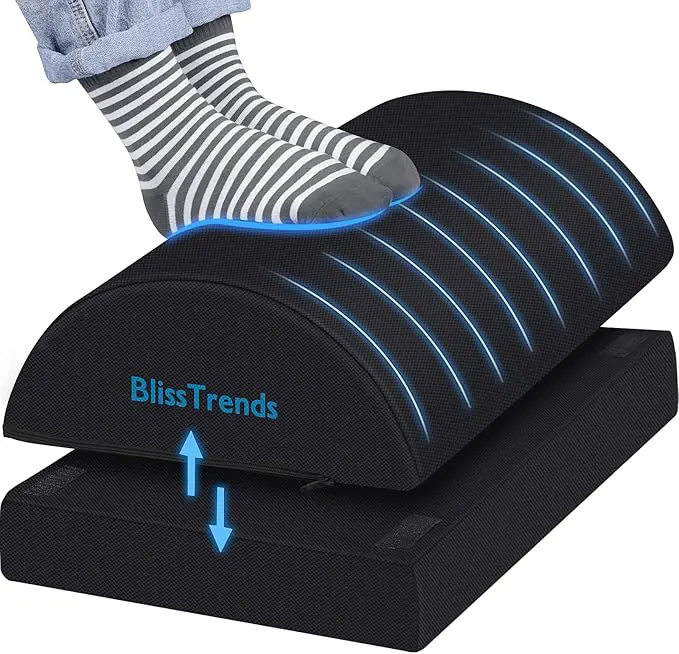
Your hips should sit slightly higher than your knees when you are seated, which creates an open angle at the hip joint. When your chair is too low, your hips flex sharply and your lower back rounds into what physical therapists call posterior pelvic tilt. That puts pressure on the lumbar discs. Raise the chair until your thighs slope gently downward. If your feet no longer reach the floor, use a footrest or a sturdy box. A 90-degree angle at the hip is not the goal—a slightly open angle (about 100 to 110 degrees) is better for spinal alignment.
2. Move the screen to eye level
Your monitor position often dictates your neck angle. If you are looking down even slightly, your head tilts forward, and the weight of your head increases the load on your cervical spine. Put your screen so the top third of the display aligns with your eye level. You should not tilt your chin up or down to read the top lines. If you use a laptop, raise it on a stand or a stack of books and use a separate keyboard and mouse. This single change often relieves upper-back tension within a few days.
3. Elbows at your sides, wrists neutral
Reach forward to type and your shoulders round inward, pulling your upper back out of neutral. Keep your elbows close to your torso, bent at roughly 90 degrees. Your wrists should be straight—not bent up, down, or to the side. If your keyboard is on a tray or desk that is too high, your wrists will extend upward. Lower the keyboard or raise your chair until your forearms are parallel to the floor. This is where a decent keyboard tray matters more than the chair brand.
4. Shift your weight every 20 minutes
Static sitting depletes the fluid exchange in your spinal discs, which can stiffen your back and increase discomfort. You do not need a standing desk for this. Just shift your weight from one sitting bone to the other, lean forward slightly, or rock your pelvis forward and back. Set a timer if you forget. The key is not to hold any position—even a good one—for more than 20 minutes. Micro-movements keep your back tissues nourished and responsive.
5. Place your mouse within easy reach
An outstretched arm for the mouse pulls your shoulder blade away from your rib cage, straining the rhomboids and trapezius. Position the mouse so you can use it with your arm relaxed at your side and your elbow bent at 90 degrees. If your desk is wide, do not keep the mouse on the far extension. Slide your keyboard off-center if needed. A small change that often causes needless discomfort. Some people also benefit from an angled mouse that keeps the wrist in a neutral handshake position, but that is secondary to correct placement.
6. Support the curve of your lower back
The lumbar spine has a natural inward curve. Most chairs do not hold that curve well because they are made for an average body that does not match yours. If you feel a gap between your lower back and the chair, fill it. A rolled towel, a small lumbar cushion, or even a folded sweater works. Support that curve prevents slouching and reduces the disc pressure that leads to afternoon back pain. It is not about extra padding—it is about maintaining the shape your spine was built to hold.
Each of these adjustments takes about thirty seconds to set up. The effect is cumulative. By the end of a workweek, you will likely notice fewer moments of getting up from your chair and feeling like you need to stretch out a stiff lower back. Start with the two adjustments that feel most relevant to how you sit right now, then add the rest over the next few days.